Visual Cron editor, IPv4/IPv6 subnet with VLSM splitting, and Chmod permission conversion
Cron ParserSubnet CalcVLSM SplitChmod Calculator
Preview
Clean and elegant experience
Following Apple design guidelines, every interface pursues intuition and aesthetics. Three representative screenshots below — see the feature grid above for all 20 tools.
Port Manager
Code Format Converter
Settings
Philosophy
Why Dev Tool Kit
Small & Beautiful
Each tool page focuses on doing one thing well. Search and aggregated entries avoid duplication, keeping the sidebar clean.
Local-First
All features run entirely locally with no network connection required. Your data always stays on your device — privacy guaranteed.
Elegant Experience
Following Apple Human Interface Guidelines — clean interfaces, smooth animations, and intuitive operations.
Language Support
Full bilingual support (Chinese and English) with seamless in-app language switching for developers worldwide.
Quick Start
Get started in seconds
Clone the repo, install dependencies, and launch the dev server
git clone https://github.com/blueWhalei/dev-tool-kit && cd dev-tool-kit && pnpm install && pnpm dev
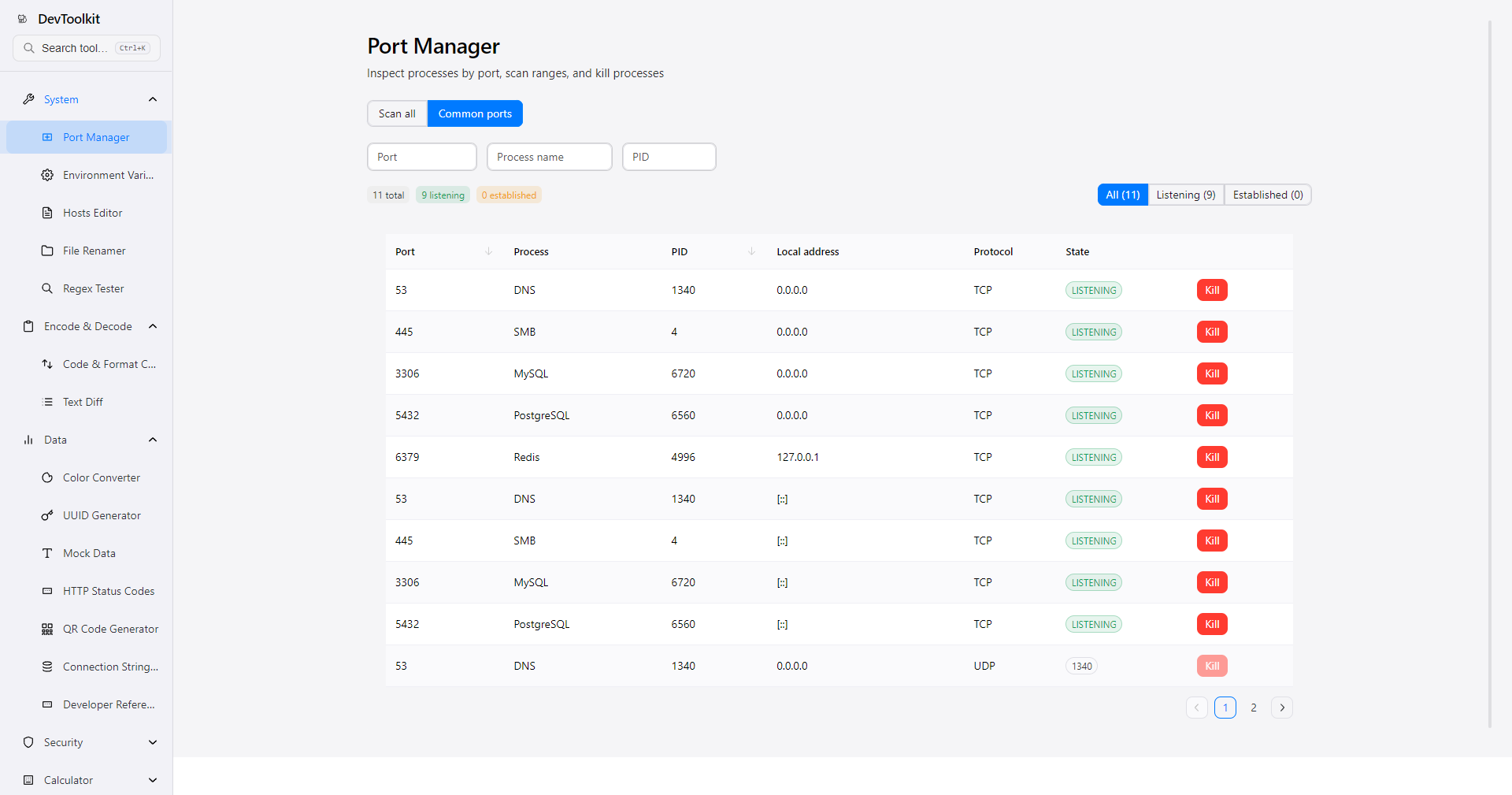
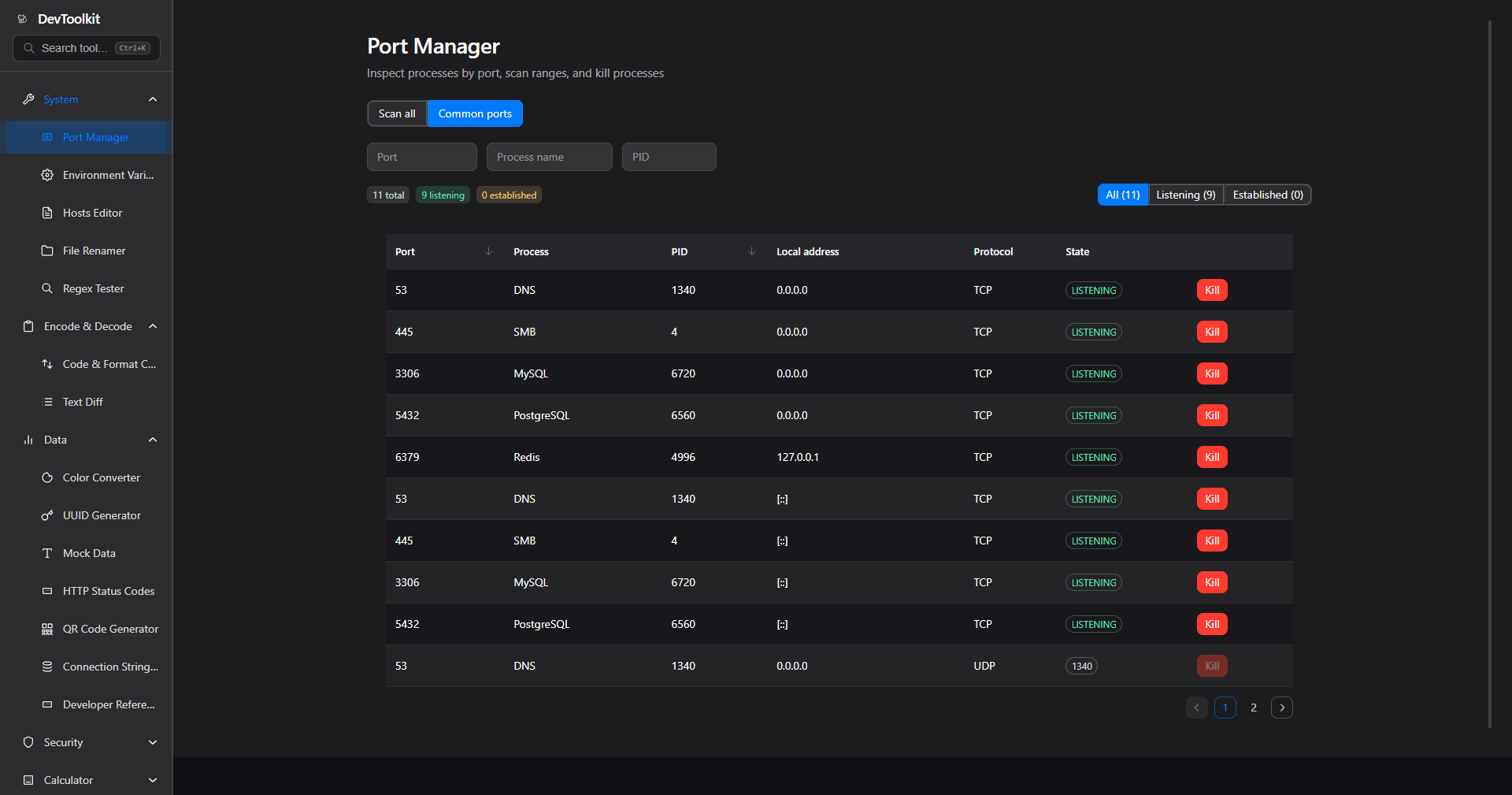 Port Manager
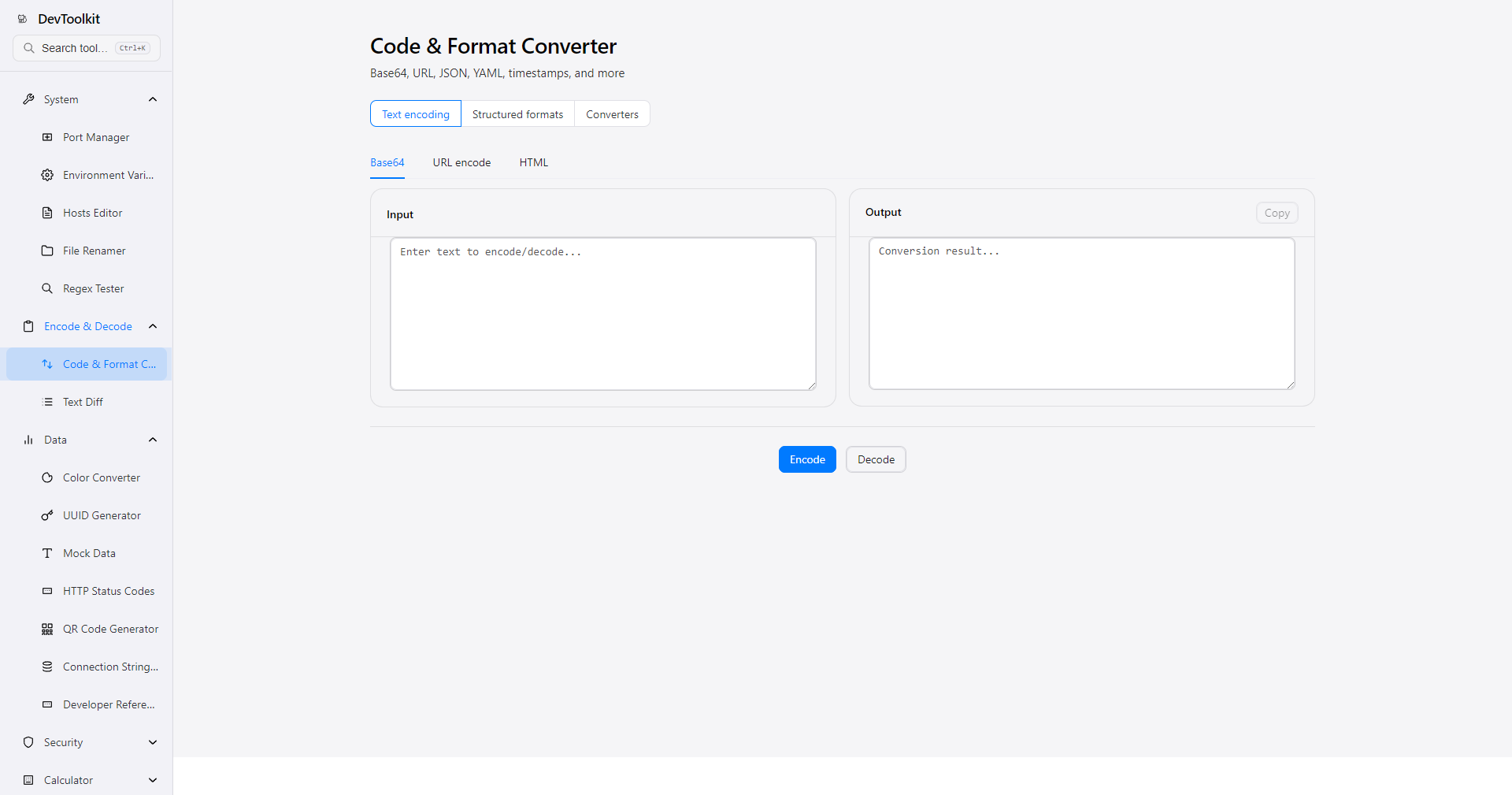
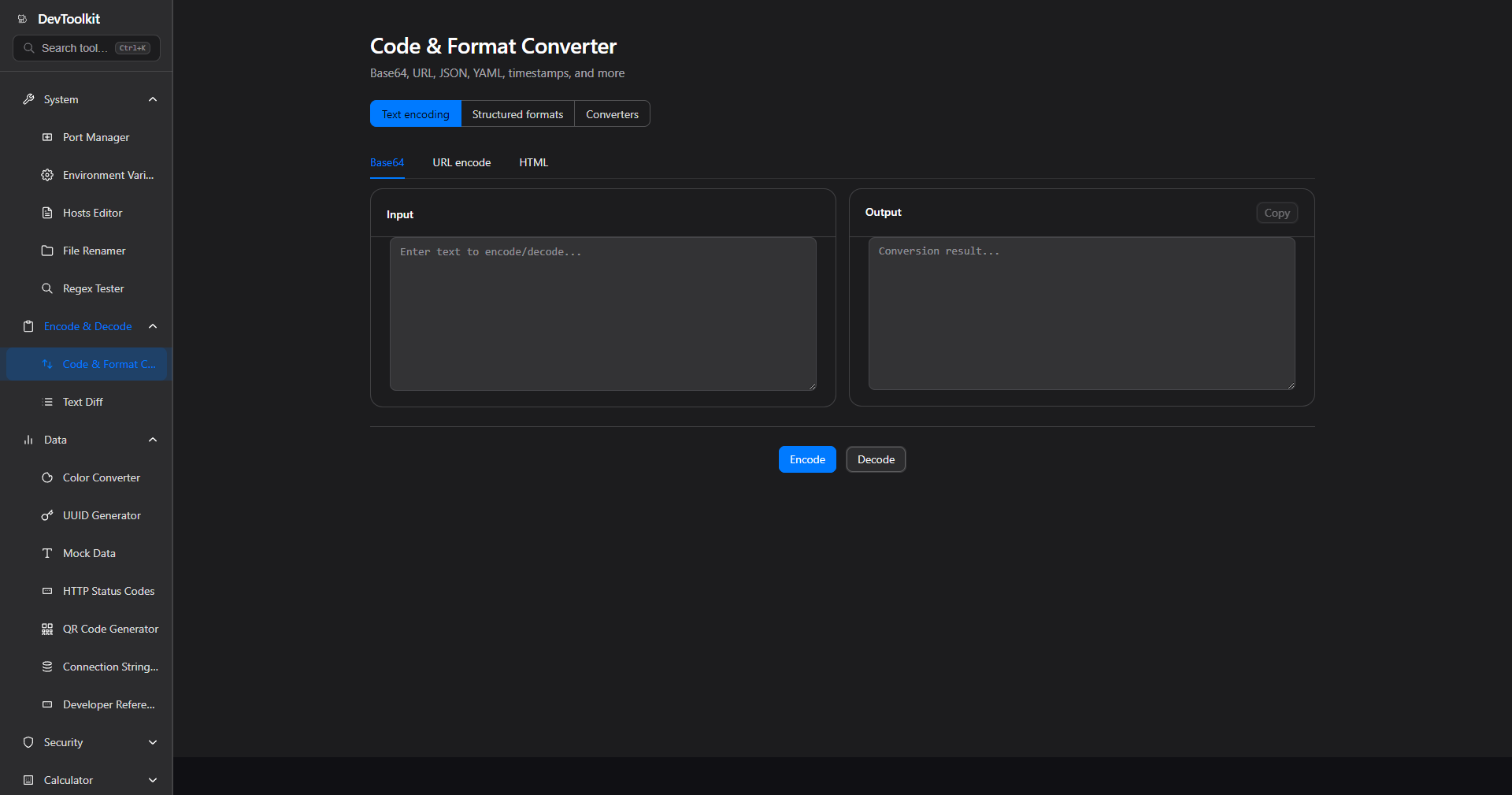 Code Format Converter
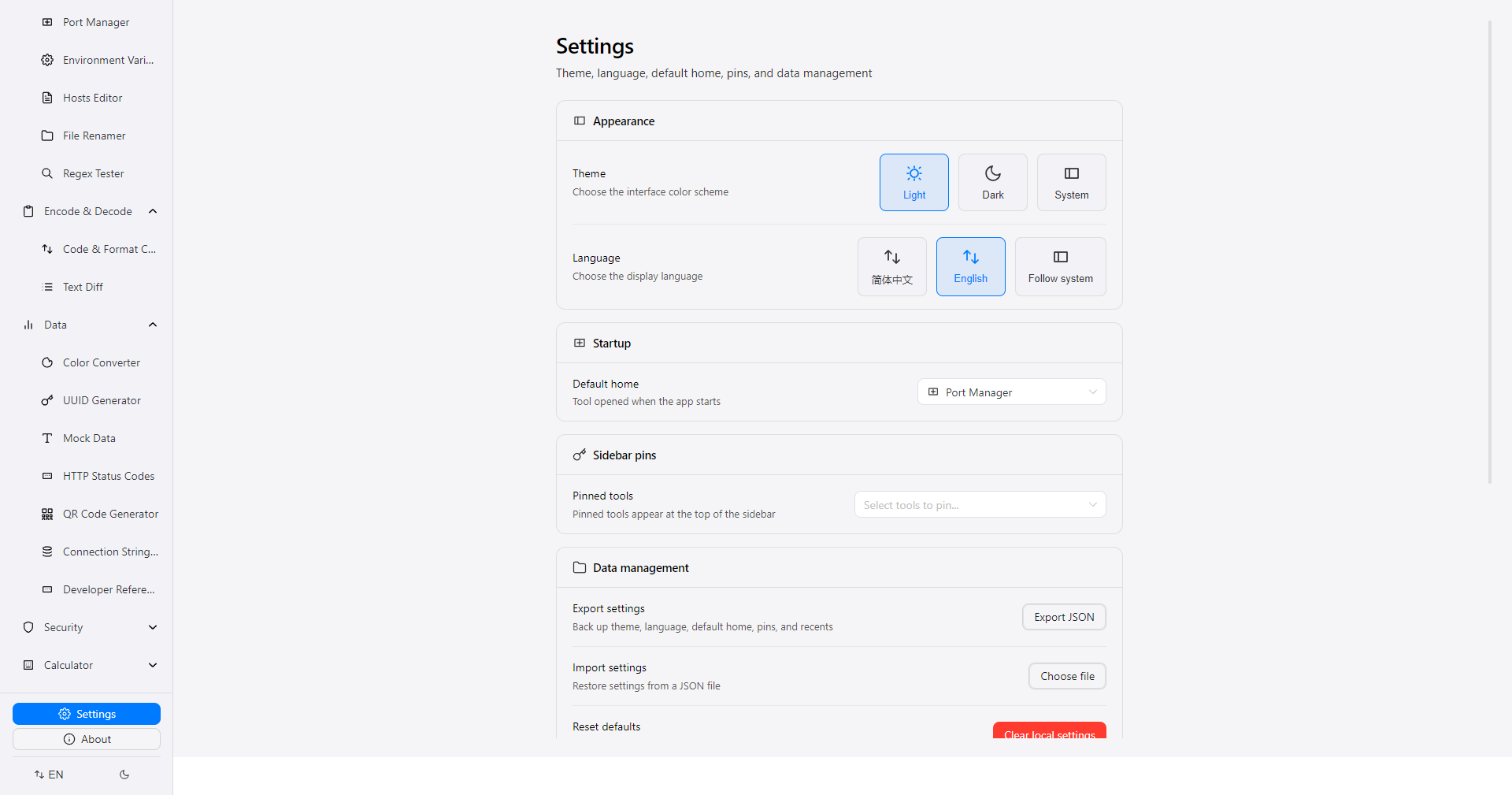
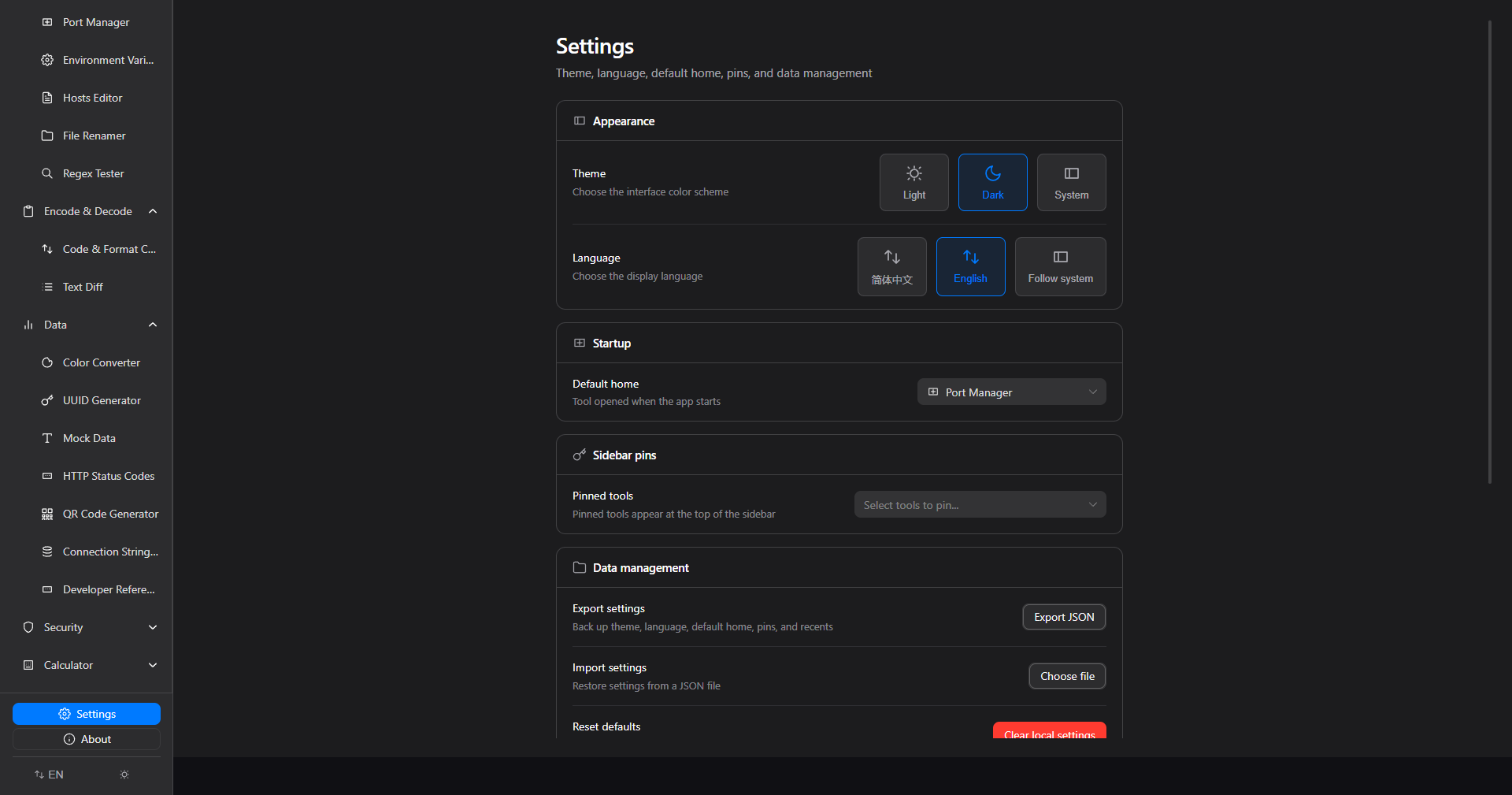 Settings